Home » Blog

Blog

Use File History to backup Windows 10 or 11 to USB or Ext HDD

Load Windows File History for Win 11 backup

How to Backup/Archive to External Drive or USB Flash Drive using the legacy “File History” app, hidden but still active in Win 10 and 11 In the search box type “File History” and open the App (Can also be found under “Control Panel”) When first used you will find “File History” turned “Off” we need

Use File History to backup Windows 10 or 11 to USB or Ext HDD Read More »

Backup, Windows

How much storage space needed to backup Windows 10 or 11

size of win 10 11 profile to backup

How much storage space do I need to backup my Windows 10 or Windows 11 device? Open File Explorer > This PC > Users > (your username) … hover over your username, right-click and select “Properties” and you will see the total size your user profile (example below) Click on File Explorer Select the “C:”

How much storage space needed to backup Windows 10 or 11 Read More »

Backup, Cloud Storage, Windows

Manually backup your Windows 10 or 11 device to USB or Ext HDD

copy and paste backup

How to Backup/Archive to External Drive or USB Flash Drive by manually copying and pasting Plugin your USB Flash-drive or External Drive and it should appear in the bottom left of the Explorer window as a D: or E: drive. Now highlight the user-profile (see above), right-click and select “Copy” Now highlight the D: or

Manually backup your Windows 10 or 11 device to USB or Ext HDD Read More »

Backup, Windows

How to backup or archive your Windows 10 or 11 device to USB or External Disk Drive

The simplest way of backing up or archiving your data in 2026 is to the cloud using OneDrive, iCloud or Google Drive but there are also 3 (less-promoted) ways of backing up to a USB or External HDD Not everyone trusts the cloud and has privacy concerns, and probably needs to pay for more storage

How to backup or archive your Windows 10 or 11 device to USB or External Disk Drive Read More »

Backup

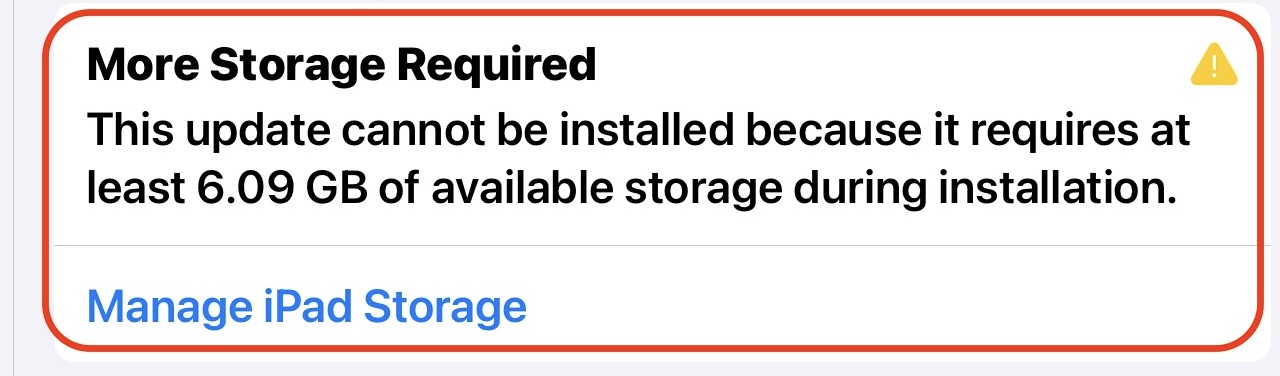
My iPad is capable of being updated but doesn’t have enough free storage. What can I do?

More ipad storage required

Only iPads capable of running iPadOS 26, 18 or 17 are receiving regular updates. However this is only possible if the model is supported and there is enough free storage space on the iPad This means that your iPad could be susceptible to being hacked or compromised if not running iPadOS 17 or higher How

My iPad is capable of being updated but doesn’t have enough free storage. What can I do? Read More »

Apple

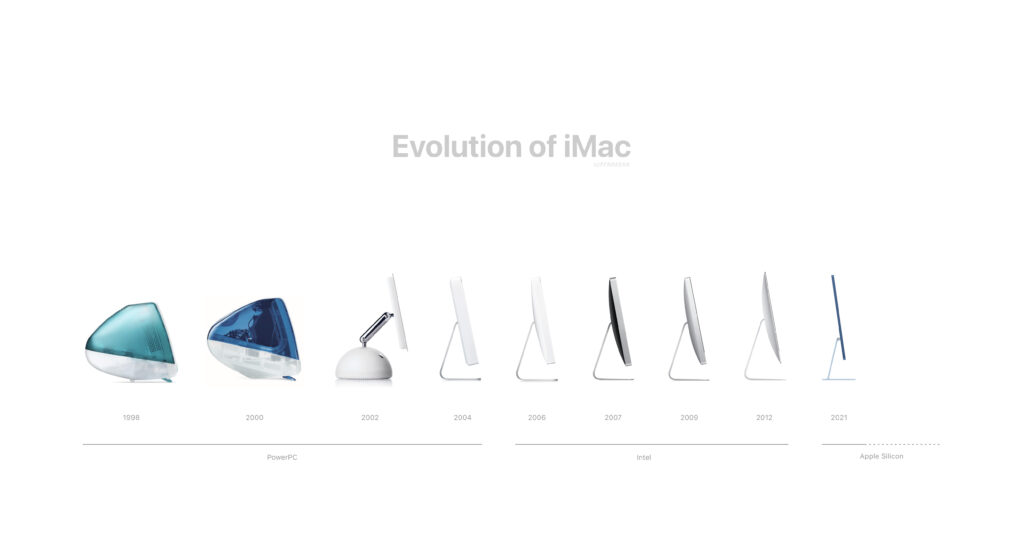
Is my Apple Mac still getting security updates?

Is my iMac, Mac Mini or Macbook currently supported and receiving security updates? As of February 2026, Apple generally supports only the three most recent macOS versions (currently Tahoe 26, Sequoia 15 and Sonoma 14) with full security updates. So if your Mac can be updated to any of the above 3 MacOS versions, it

Is my Apple Mac still getting security updates? Read More »

Apple, Apple iCloud, Hardware
Scroll to Top